The Ultimate Guide to Minecraft Mods: Everything You Need to Know in 2026
Minecraft Mods has remained one of the most beloved and enduring games in the world for more than a decade. Its open-ended sandbox nature invites endless creativity, but many players eventually seek more than the base game offers. This is where community-created modifications come into play. These additions transform the experience in countless ways, from improving performance and adding quality-of-life features to introducing entirely new dimensions, creatures, and gameplay systems. In this comprehensive guide, we explore every major aspect of the topic so both beginners and experienced players can understand, install, and enjoy these enhancements safely and effectively.
What Are Minecraft Mods?
At their core, mods are user-created modifications that alter the code and content of Minecraft Java Edition. Unlike texture packs or resource packs that only change visuals, true mods can rewrite mechanics, introduce new items, blocks, biomes, mobs, dimensions, and even complete overhauls of progression systems. They range from tiny convenience tools that display saturation levels next to the hunger bar to massive projects that add industrial machinery, magic systems, or entirely new worlds to explore.
Most modern mods require a mod loader to function. The three primary loaders in 2026 are Fabric, NeoForge, and the legacy Forge. Fabric prioritizes speed and lightweight design, making it ideal for performance-focused setups. NeoForge, the modern successor to the original Forge project, handles the majority of large content and technology mods on recent Minecraft versions. Forge itself continues to support older packs and certain legacy content. Choosing the correct loader is essential because a mod built for one will not work on another.
Minecraft mods exist almost exclusively for the Java Edition. Bedrock Edition uses a different system called add-ons, which are more limited in scope and power. Players on consoles or mobile devices therefore have fewer options compared to those on PC.
Why Players Love Using Mods
The appeal of modding stems from Minecraft’s inherent flexibility. The vanilla game already supports building, surviving, exploring, and creating, yet the community continually expands those possibilities. Performance mods can turn a laggy experience into a smooth one, allowing players with modest hardware to enjoy larger worlds and denser builds. Quality-of-life additions remove repetitive frustrations, such as constantly checking the wiki for recipes or struggling to find coordinates.
Content mods deliver the biggest transformation. Some players crave technological progression with machines, power systems, and automation. Others prefer magical systems involving spellcasting, rituals, and enchanted artifacts. Exploration enthusiasts seek new biomes filled with unique structures, creatures, and resources. Horror fans turn to atmospheric mods that introduce unsettling entities and survival challenges. Builders gain finer control through tools that allow pixel-level sculpting or complex architectural components.
Beyond individual enjoyment, the modding community fosters collaboration. Players share worlds, create custom servers, and design modpacks—carefully curated collections of mods that work together under a shared theme. These packs range from gentle enhancements of the vanilla experience to intense hardcore survival scenarios or sprawling kitchen-sink collections that include nearly every popular addition available.
The result is dramatically extended replay value. A single Minecraft installation can feel like an entirely different game depending on the mods installed. Many players report hundreds or even thousands of additional hours of engagement after discovering the right combination of modifications.
Popular Categories of Mods
Understanding the main categories helps players decide what they want before downloading anything.
Performance and Optimization
These mods rewrite or streamline the game’s rendering and logic systems. Sodium is widely regarded as one of the most impactful, often delivering substantial frame-rate gains by replacing the vanilla rendering engine. Companion mods such as Lithium optimize game logic, while others reduce memory usage or improve lighting calculations. On NeoForge and Forge, equivalent ports achieve similar results. Together, these tools make heavily modded worlds playable on a wider range of computers and reduce lag during large builds or multiplayer sessions.
Quality of Life Improvements
Small changes that remove friction make a surprisingly large difference. Recipe viewers display every crafting and processing recipe instantly, eliminating constant alt-tabbing. Minimap mods show the surrounding terrain, waypoints, and player location. Inventory management tools allow one-click sorting or quick item transfers. Information overlays reveal block hardness, crop growth stages, or entity health without requiring additional commands. These additions keep the core survival and creative loop intact while making it far more pleasant.
Content Expansion
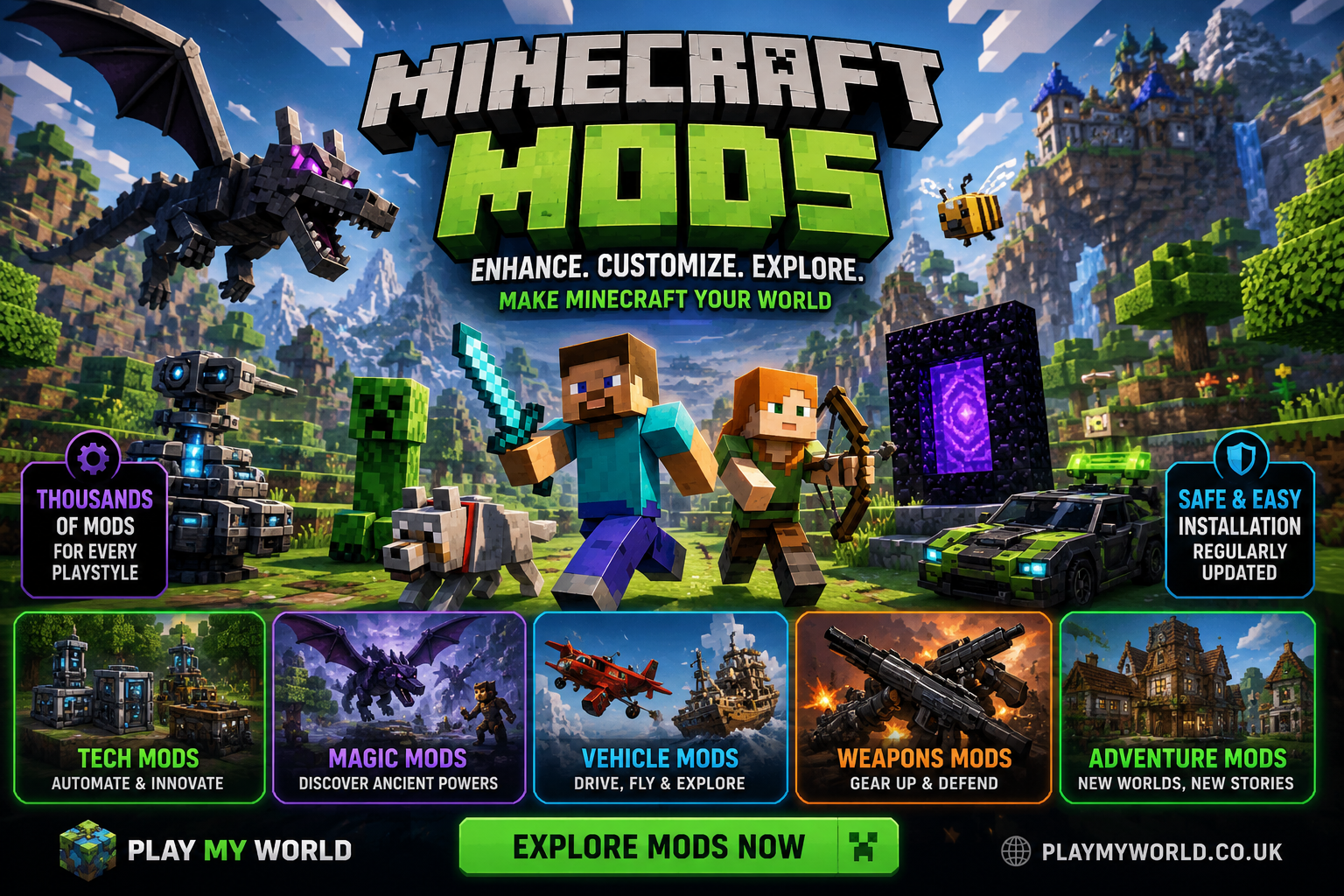
This is the largest and most diverse category. World-generation mods introduce dozens of new biomes, caves, and surface features. Mob mods populate the world with realistic animals, fantasy creatures, or dangerous new threats. Technology suites add generators, machines, pipes, and automation systems that let players industrialize their bases. Magic mods bring spell books, mana systems, and arcane progression. Dimension mods open portals to sky islands, dark forests, or completely original realms with their own bosses and resources. Building-focused mods provide microblocks, angled pieces, furniture, and decorative options that push architectural creativity far beyond vanilla limits.
Visual Enhancements
Shaders and advanced rendering mods transform the look of the game. Dynamic lighting, realistic shadows, reflective water, and improved atmospheric effects create immersive environments. Complementary texture and model packs further refine the aesthetic. While pure visual changes are sometimes delivered through resource packs, many advanced shader systems require a compatible mod loader and specific performance foundations to run smoothly.
Choosing the Right Mod Loader
Selecting a loader depends on goals and Minecraft version. For the latest releases in 2026, Fabric remains the fastest path to strong performance and rapid updates. Many quality-of-life and optimization mods appear on Fabric first. NeoForge has become the preferred choice for substantial content and technology packs on recent versions, continuing the broad ecosystem once associated with Forge. Older modpacks that have not migrated still rely on classic Forge.
Compatibility is non-negotiable. Always match the exact Minecraft version, loader version, and mod version. A mismatch is the single most common cause of crashes. Launchers such as Prism Launcher, the CurseForge app, and the Modrinth app simplify this process by creating isolated instances for each version and automatically handling dependencies.
How to Install Mods Safely
Safety begins with the download source. The two most trusted repositories are CurseForge and Modrinth. Both employ automated malware scanning and community moderation. Avoid random file-sharing sites, unsolicited Discord links, or media-hosting services that lack verification.
The easiest installation method uses a dedicated launcher. Create a new instance, select the desired Minecraft version and loader, then browse and install mods directly through the interface. The launcher manages file placement, updates, and dependency resolution.
Manual installation remains possible for those who prefer control. First install the chosen loader using its official installer. Launch the game once with the loader profile so that the necessary folders are generated. Then place the downloaded .jar files into the mods folder located inside the Minecraft directory. On Windows this is typically found under AppData\Roaming.minecraft. Always create a backup of important worlds before adding new content.
Start small. Install a few performance and quality-of-life mods first, confirm the game runs cleanly, then gradually introduce larger content mods. This approach makes troubleshooting far easier if something goes wrong.
Tips for Managing Your Modded Experience
Keep versions consistent across client and server when playing multiplayer. Every player and the server itself must run the identical set of mods and versions. Document your mod list so you can recreate the setup later or share it with friends.
Monitor performance. Even optimized setups can struggle with dozens of large content mods. Learn to read crash logs; they usually point directly to the conflicting or missing component. Remove mods one at a time if the game fails to launch, testing after each change.
Consider modpacks as an alternative to building a custom list from scratch. Pre-configured packs eliminate compatibility guesswork and often include quest books or progression guides that help players discover new systems organically.
Update carefully. Major Minecraft version jumps frequently break mods until creators release compatible builds. Many players maintain separate instances for stable long-term worlds and experimental testing.
Common Challenges and How to Overcome Them
Version mismatches remain the leading source of problems. Always verify the Minecraft version listed on the mod page matches your installation exactly. Missing dependencies form another frequent issue; many content mods require a core library or API mod. Launchers usually detect and install these automatically, but manual setups require careful reading of the mod description.
Crashes on launch or during world generation often stem from conflicts between two mods that alter the same systems. Binary searching—removing half the mods, testing, then repeating—isolates the culprit efficiently. Memory allocation can also matter; heavily modded instances may need additional RAM assigned through the launcher settings.
Finally, remember that mods are created by volunteers. Support creators through positive feedback, bug reports, and, where available, official donation channels. A healthy community ensures continued development and updates.
Frequently Asked Questions
Are minecraft mods safe to download?
Yes, when obtained exclusively from established platforms that scan files and moderate uploads. Avoid unverified sources.
Do I need to know programming to use mods?
No. Installation requires only following clear steps. Creating mods does involve coding knowledge, primarily Java.
Can I use mods on multiplayer servers?
Yes, provided the server runs the same loader and identical mod list. Many public servers advertise their required packs.
Will mods work on Minecraft Bedrock Edition?
Traditional mods do not. Bedrock uses add-ons, which offer more limited changes through different tools.
How many mods can I install at once?
There is no fixed limit, but practical constraints of performance and compatibility apply. Start modestly and expand based on system capability.
What should I do if the game crashes after adding a mod?
Check the crash log for error messages, verify version compatibility, ensure all required dependencies are present, and test by removing the newest additions.
Do mods affect existing worlds?
Some content mods can change world generation or add structures to already-explored areas. Always back up worlds before introducing significant changes.
Is there a difference between client-side and server-side mods?
Client-side mods affect only the local player’s experience (minimap, visual enhancements). Server-side or dual-sided mods alter gameplay that all players share and must be installed on both ends.
Conclusion
The world of community modifications continues to keep Minecraft fresh and exciting years after its initial release. From simple performance boosts that make the game run better on everyday hardware to ambitious projects that reinvent survival, exploration, and creativity, these additions offer something for every play style. By understanding the available loaders, choosing trusted download sources, installing carefully, and managing compatibility, any player can unlock a vastly expanded experience.
Whether the goal is smoother frame rates, convenient quality-of-life tools, or entirely new adventures, the possibilities remain limited only by curiosity and system resources. With thoughtful setup and gradual experimentation, the base game evolves into a personalized sandbox that can entertain for thousands of additional hours. The community’s ongoing creativity ensures that new ideas and refinements will keep appearing, making this one of the most rewarding ways to engage with Minecraft in 2026 and beyond.